
A fresh, expressive look
The whole app is rebuilt with Material 3 Expressive: new colors, bolder type, rounded shapes and springy motion that follows your controller.
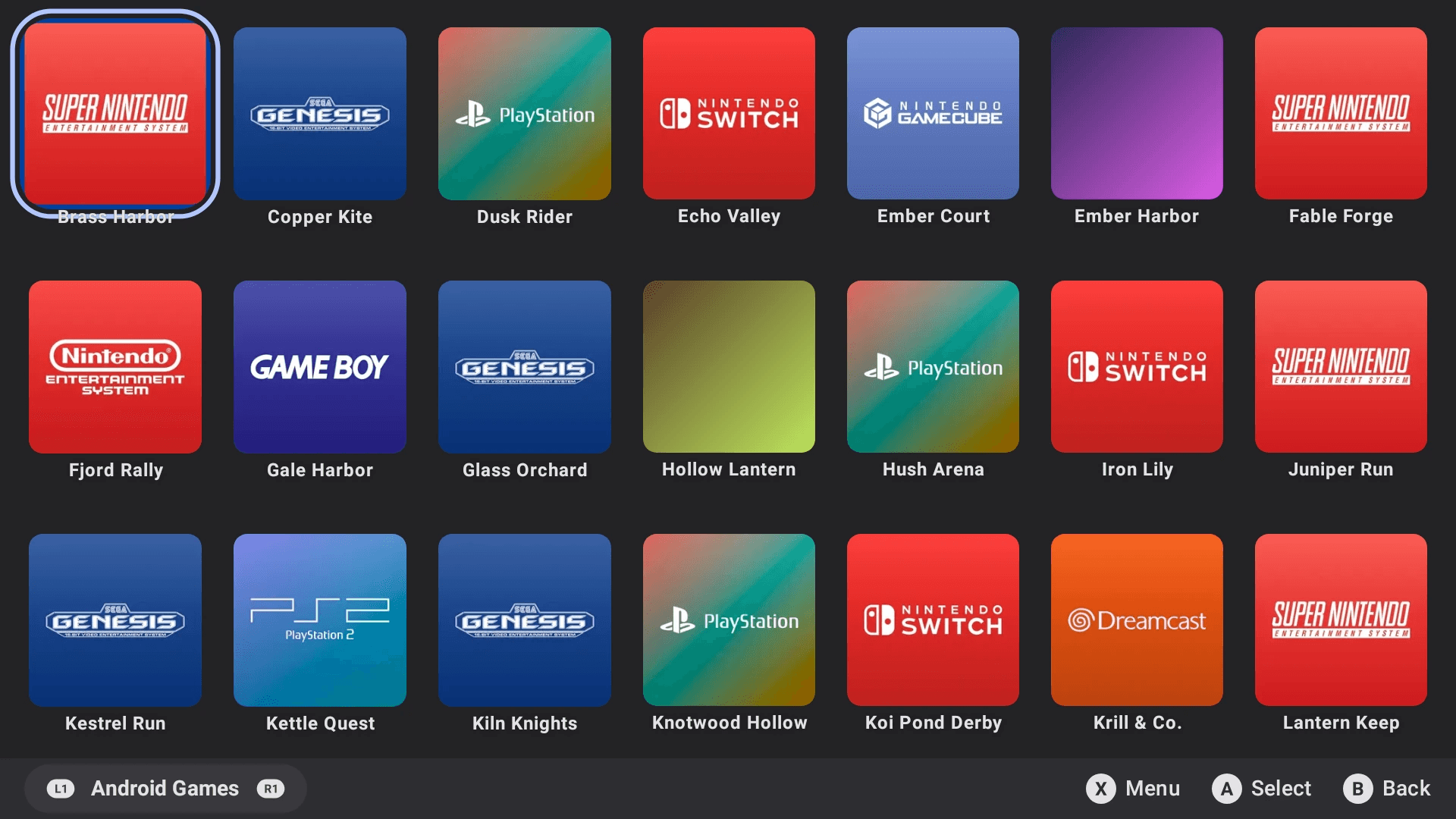
Home screen for Android
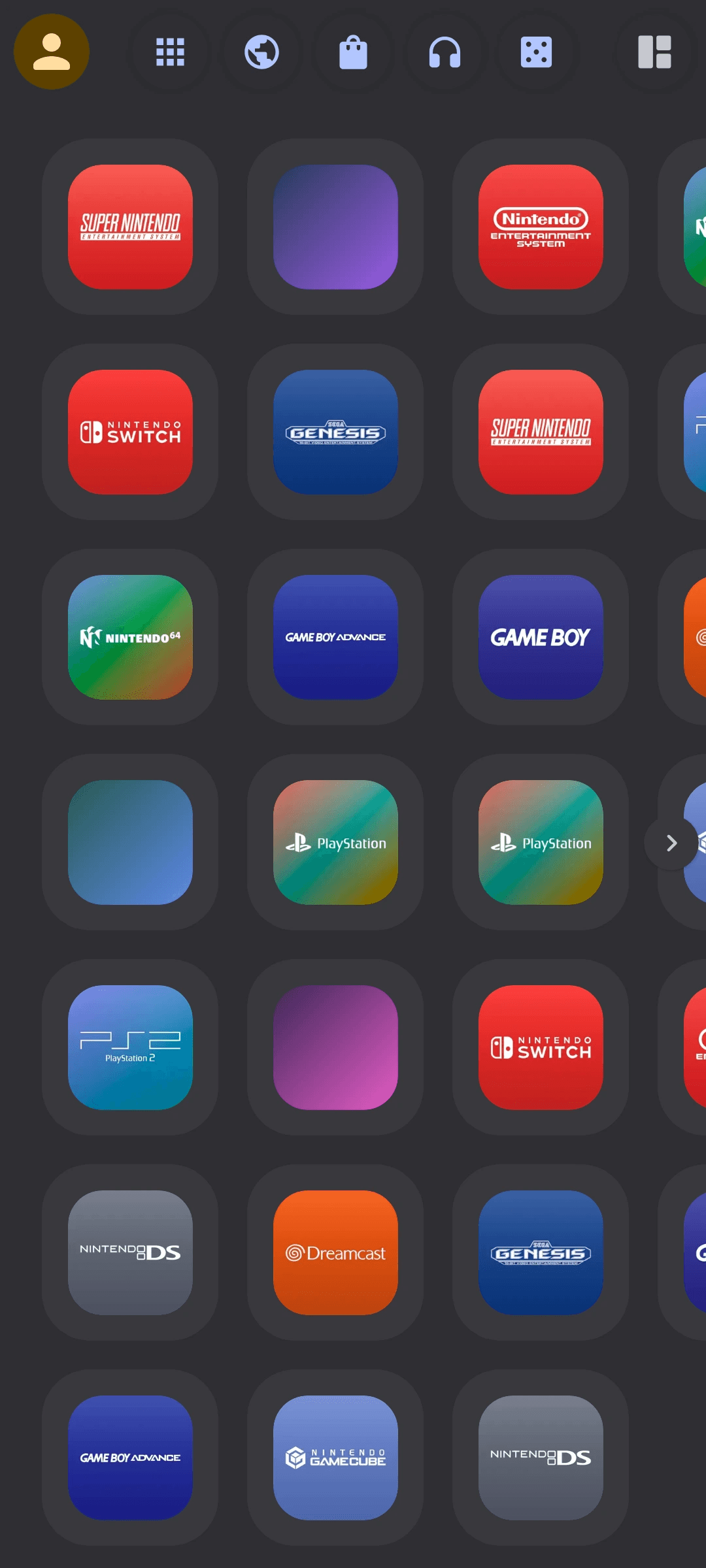
Console Launcher puts every game, emulator and app on one home you can drive with a controller. Big tiles, landscape and portrait, and a look that moves with you.
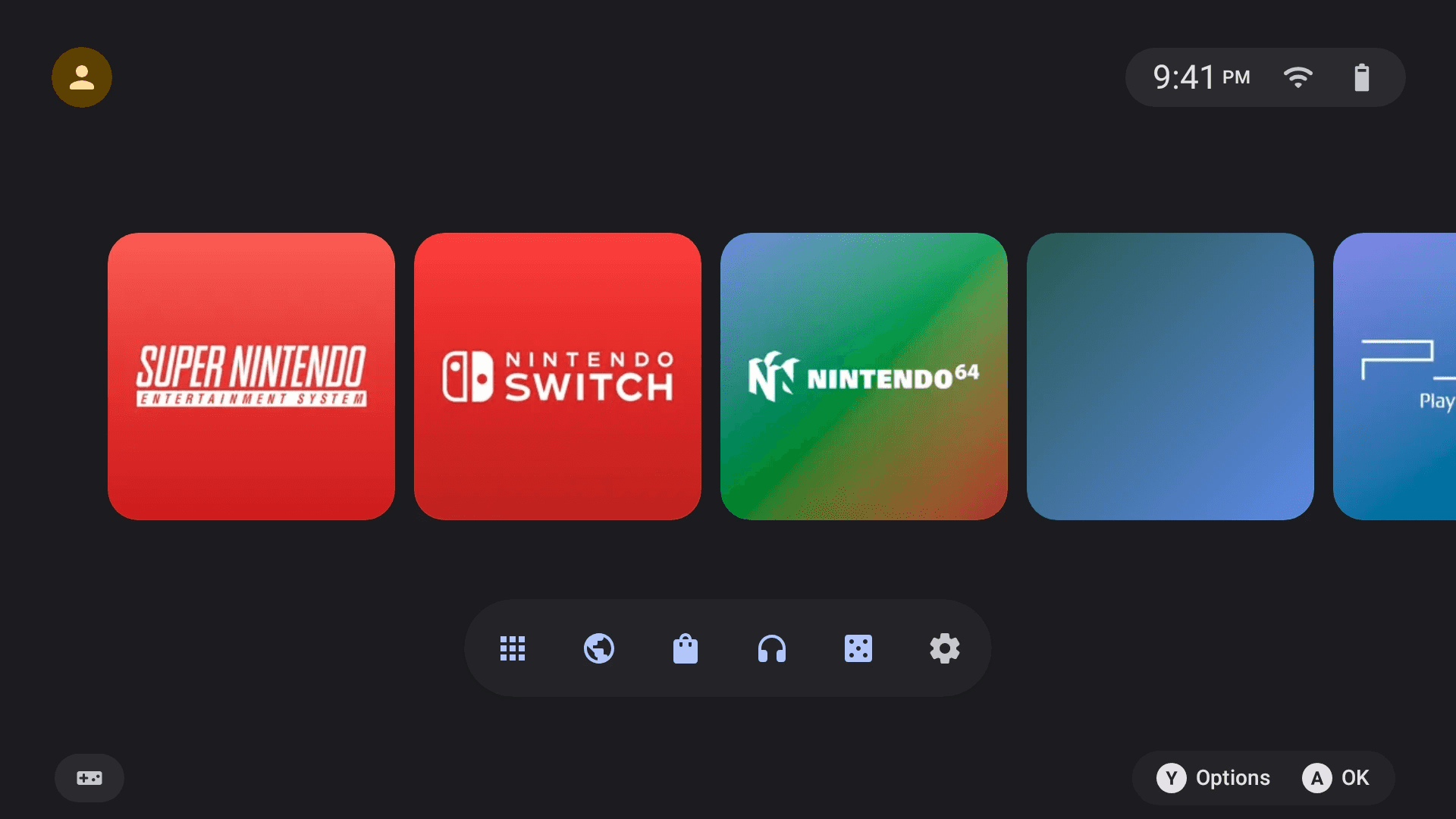
What's new in v2
The whole app is rebuilt with Material 3 Expressive: new colors, bolder type, rounded shapes and springy motion that follows your controller.
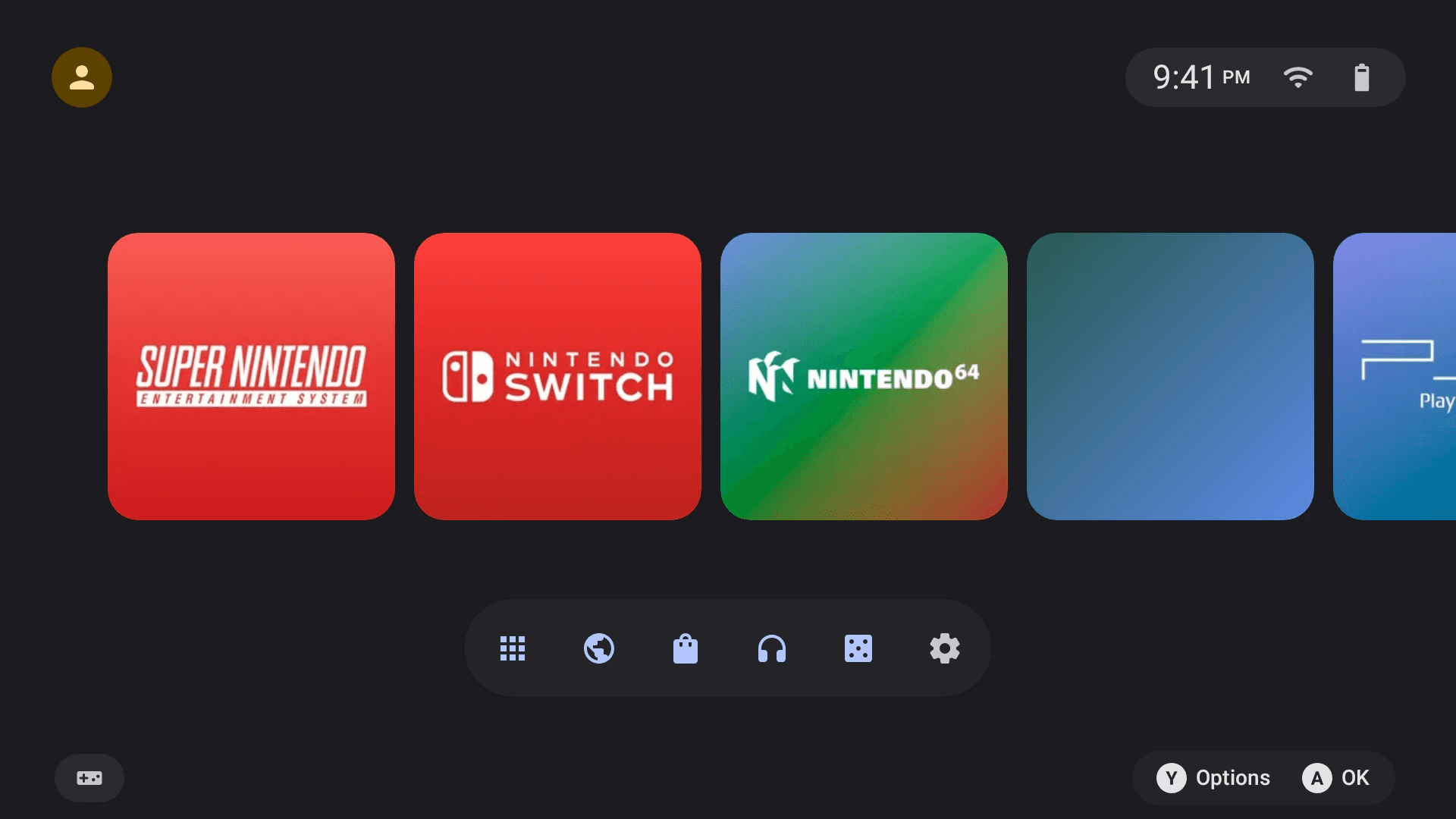
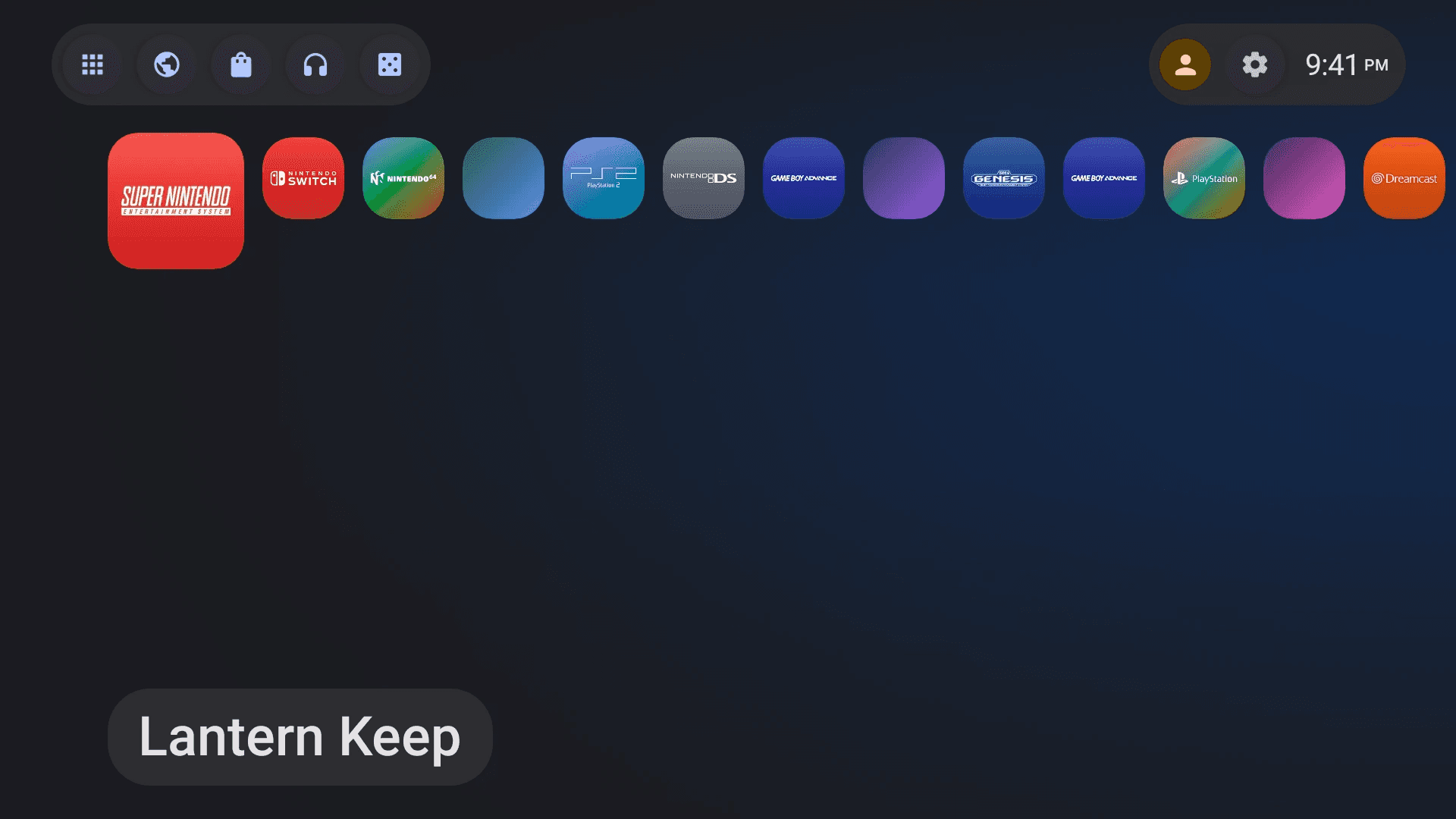
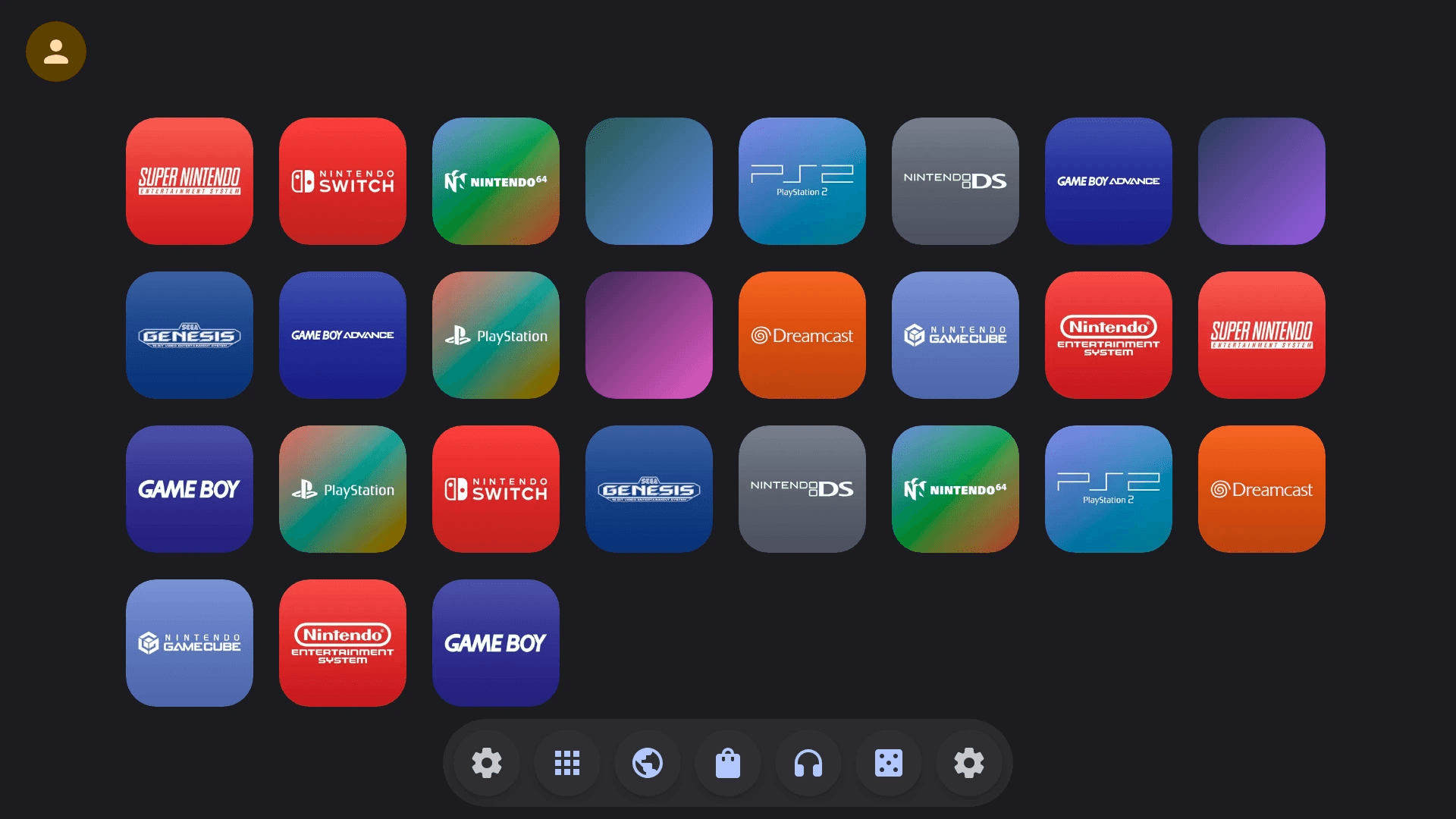
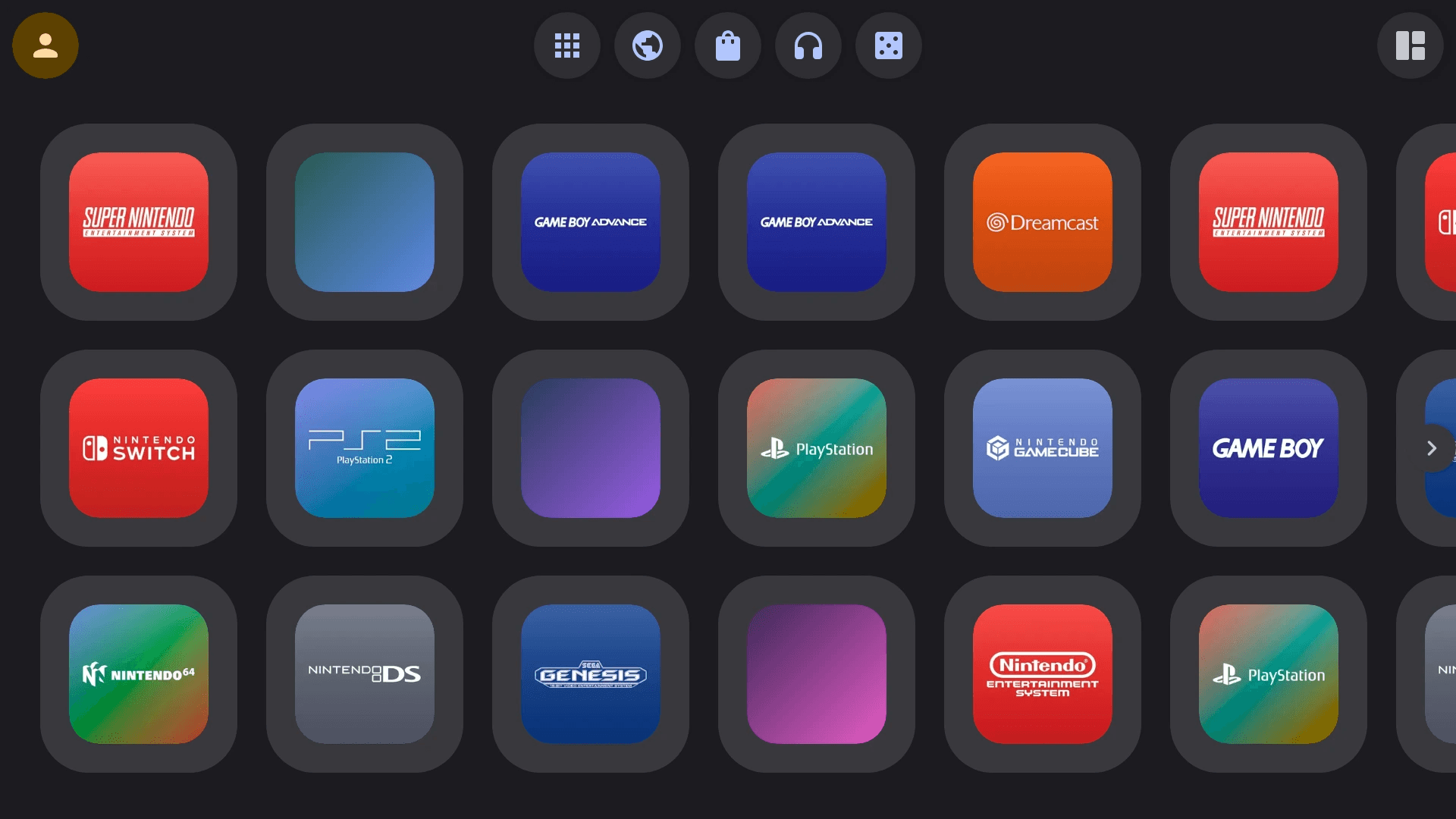
Pick Spotlight, Backdrop, Canvas or Stream, then make tiles small, wide, tall or large. The home editor shows every change live before you save it.
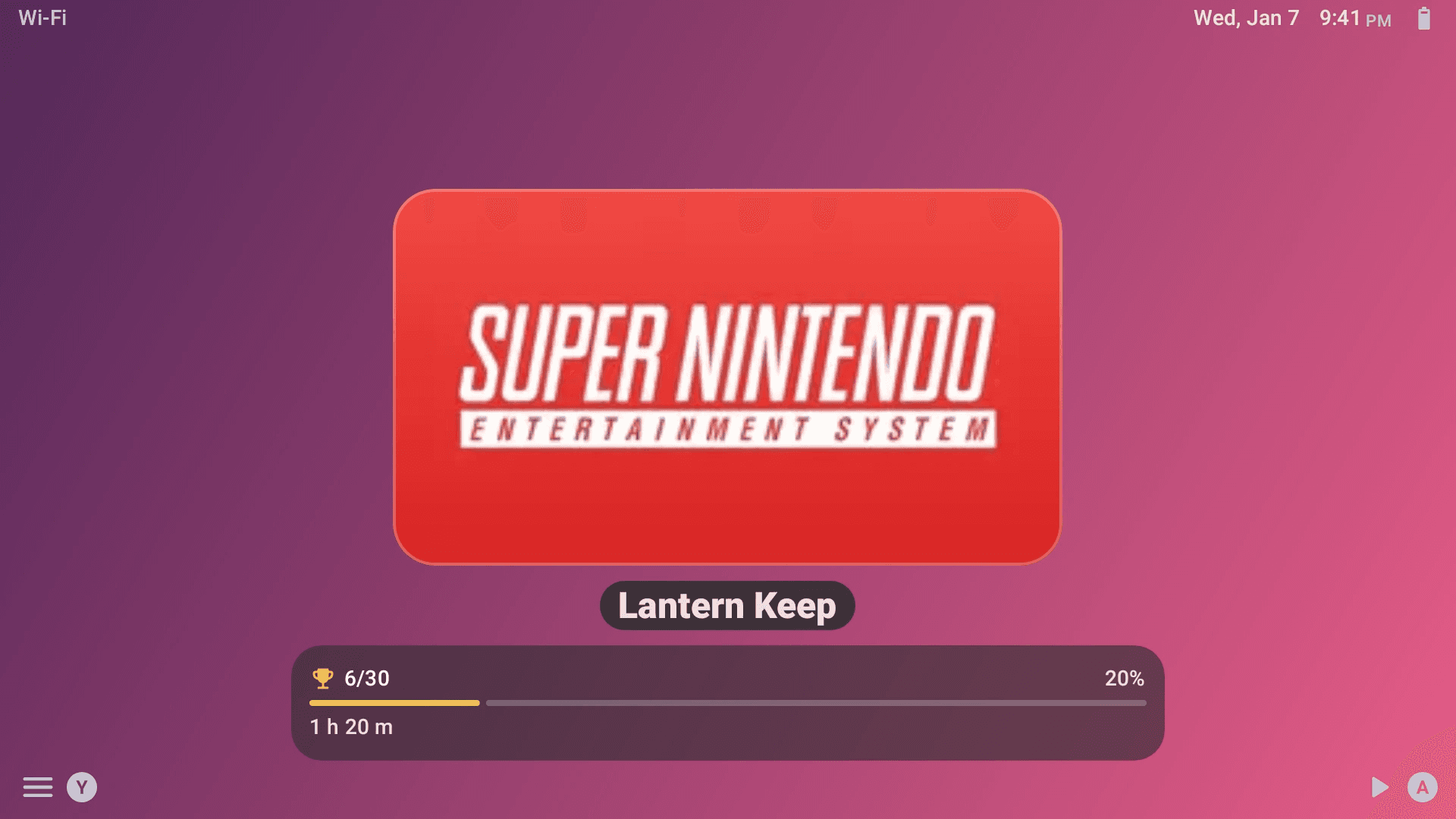
On dual-screen handhelds the second screen shows a live Now Playing card with a 3D logo, art and your play time, and dims itself when you’re idle.
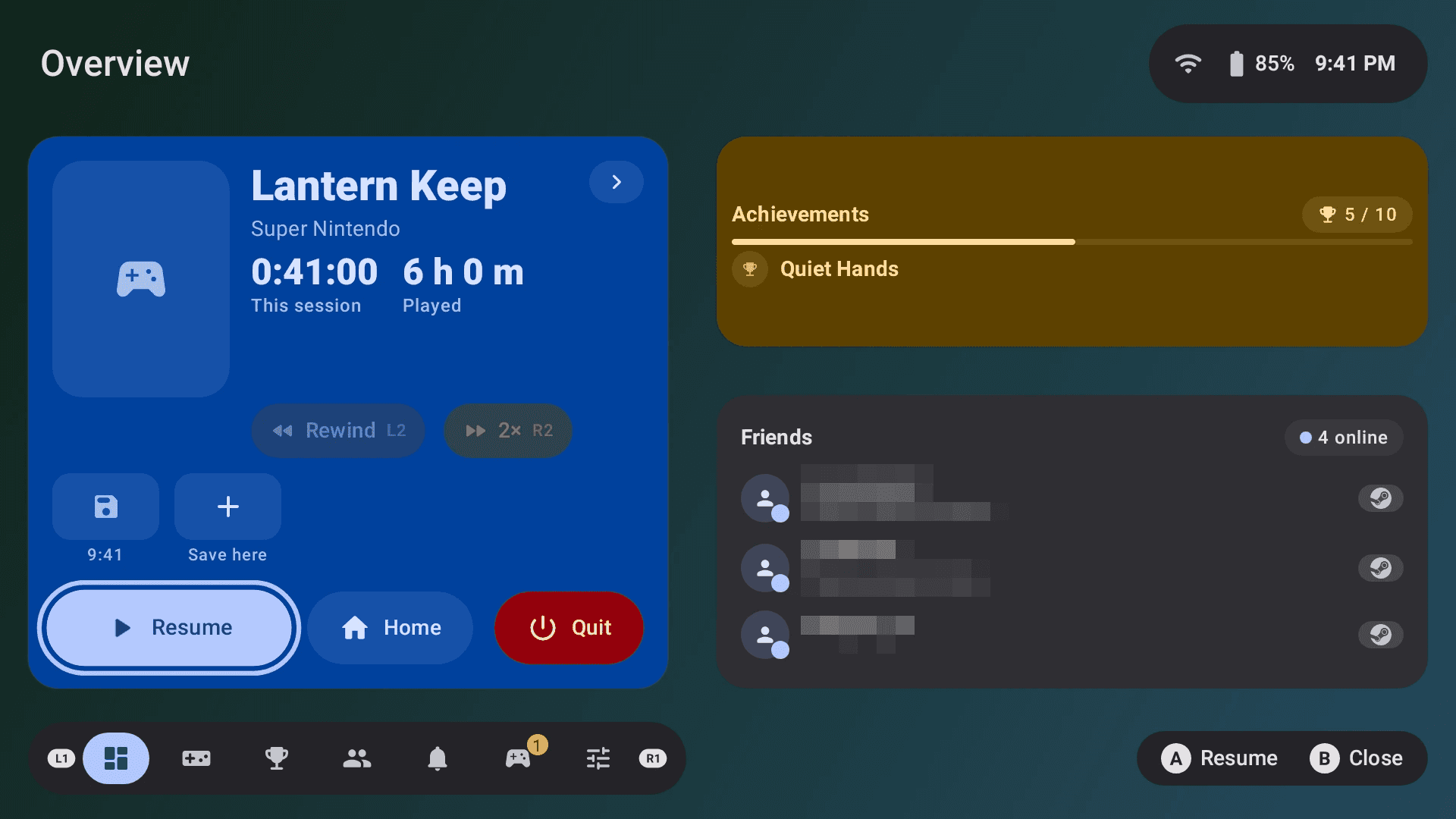
Hold L3 and R3 in any game for quick settings, play time, battery, notifications and music, without leaving the game.
In the GitHub build
Hold your phone upright and the Canvas and Stream homes follow, with the info screen on top or a full-screen home.
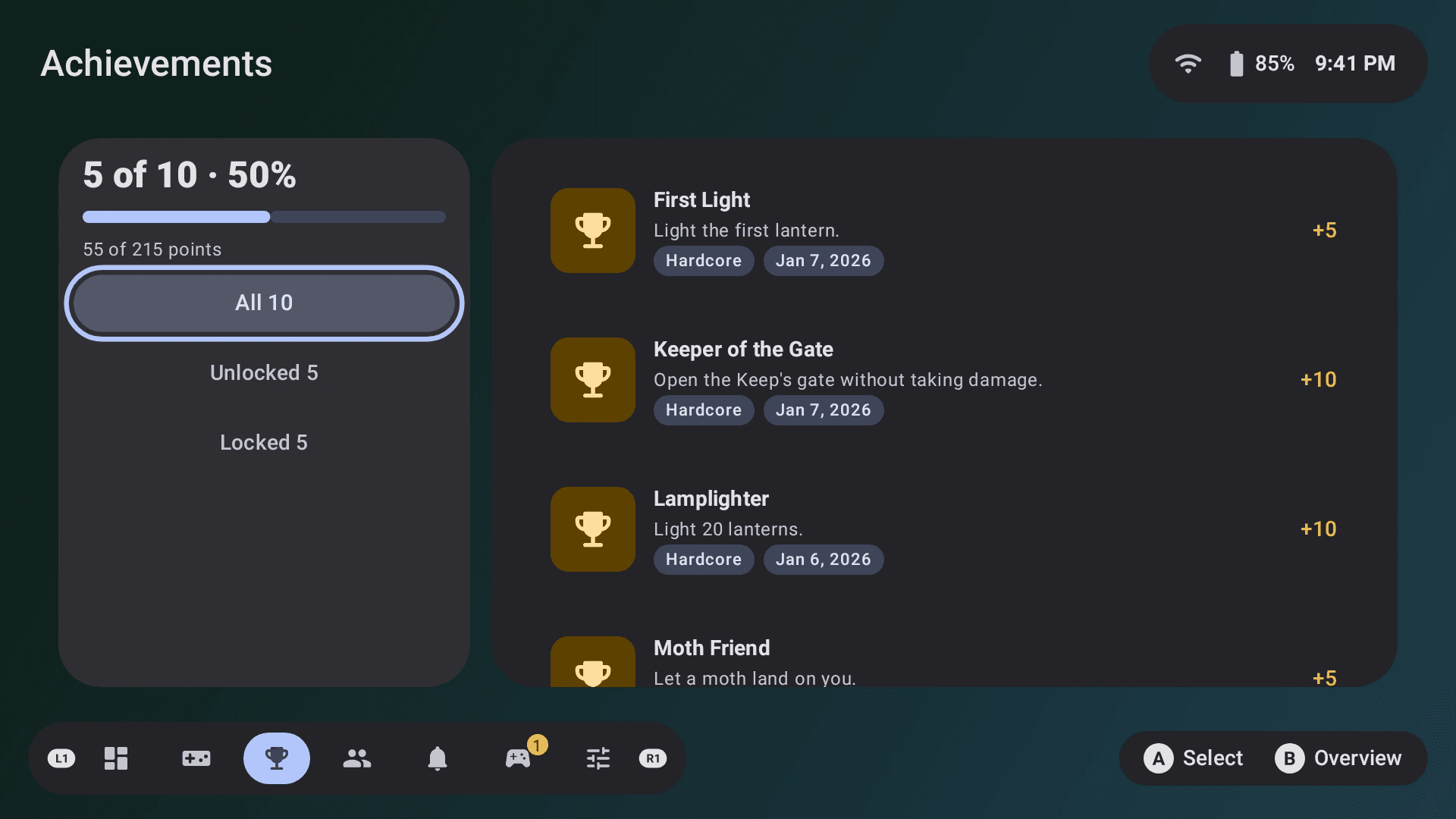
RetroAchievements and Steam achievements in one place, with the sets you’re closest to mastering up front, plus play time and last played for every game.
Press Home and your game waits for you. A Running badge marks it, so you can jump back in without reloading, or close it and start something else.
Console Launcher knows dozens more emulators and players, including DroidDeck for Steam games. The GitHub build can install players, track their updates and update itself.
In the GitHub build
Sign in with a QR code to see your Steam games on Home, plus friends with live presence and chat.
Your 3DS games’ banners play as live 3D dioramas on the top screen and in the folder list preview.
Notifications pop up over your game, show as small cues on your homes and wait in a list in the pause menu.
Install it from GitHub for every feature, or from Google Play.
A home screen for Android built for playing games. Your games, emulators and apps sit on one console-style home you can drive with a controller or touch.
No. It shows the games and apps you already have, including the game folders you point it at, and opens each one in the player you choose.
Android phones, tablets and gaming handhelds, including dual-screen handhelds. A controller is optional: everything works with touch too.
Both are the same app. A few features need permissions that Google Play doesn't allow, so they're only in the GitHub build: the pause menu, installing and updating players, and in-app updates.
No. You can open it like any other app and make it your home screen later, from the app or from Android's settings.
Tell us on GitHub: report a bug or request a feature.